 View screenshot
Everything in its place
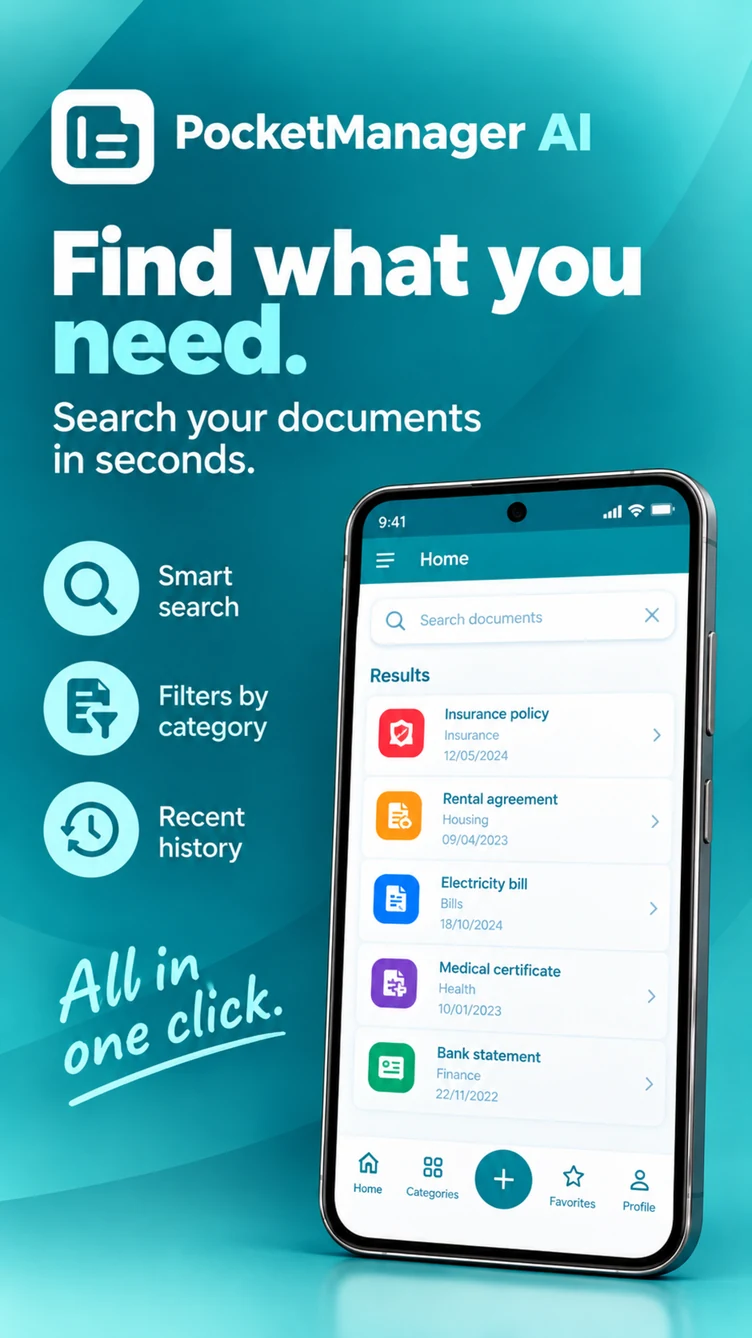
Categories and subcategories, notes, favorites and recent history help you return to what matters.
Keep your contracts, bills and insurance documents together. Scan, organize and ask about the information you need.
Already using the app? Open the connector to link your phone and browser.
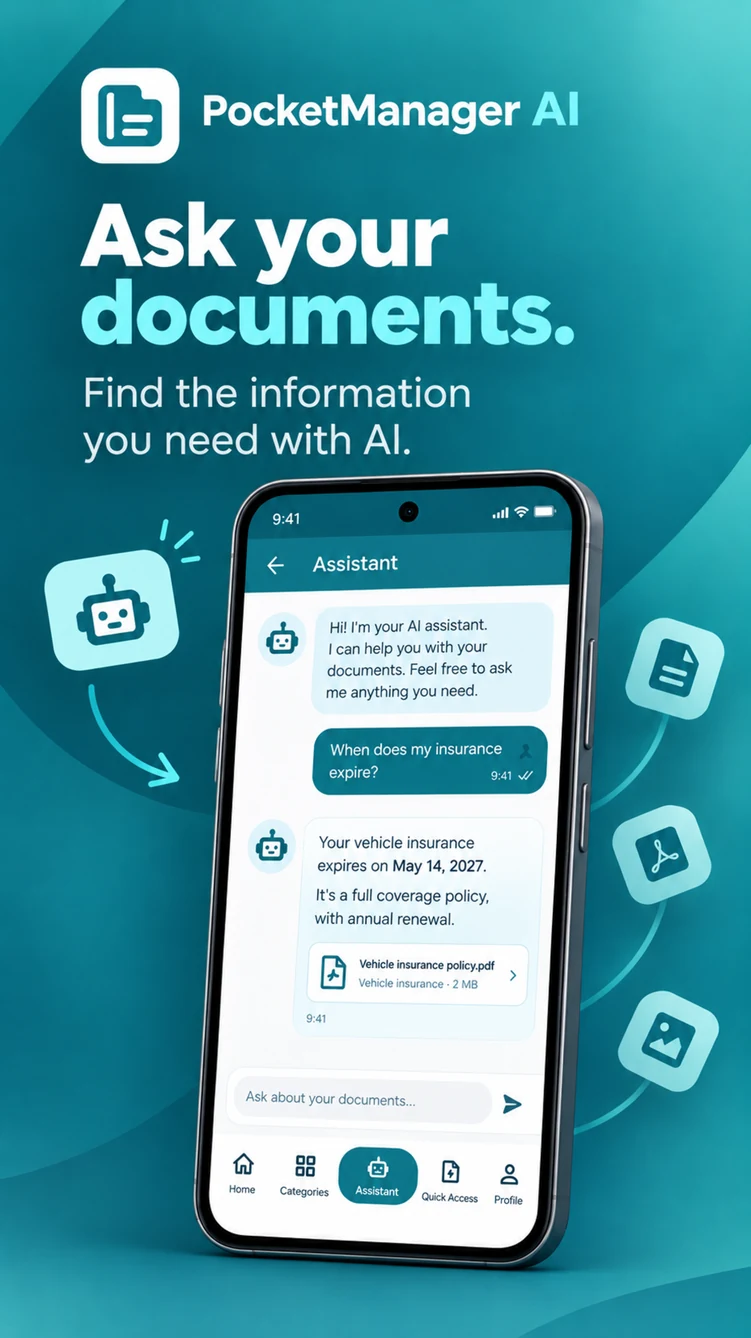
A renewal date, a clause or a missing invoice. Ask the assistant to help locate and understand information in the documents you have added.
When does my insurance expire?
Find my rental agreement.
What does this policy cover?
Example questions. Answers depend on the available documents and selected AI features. Check important details against the original document.
View screenshotCategories and subcategories, notes, favorites and recent history help you return to what matters.
 View screenshot
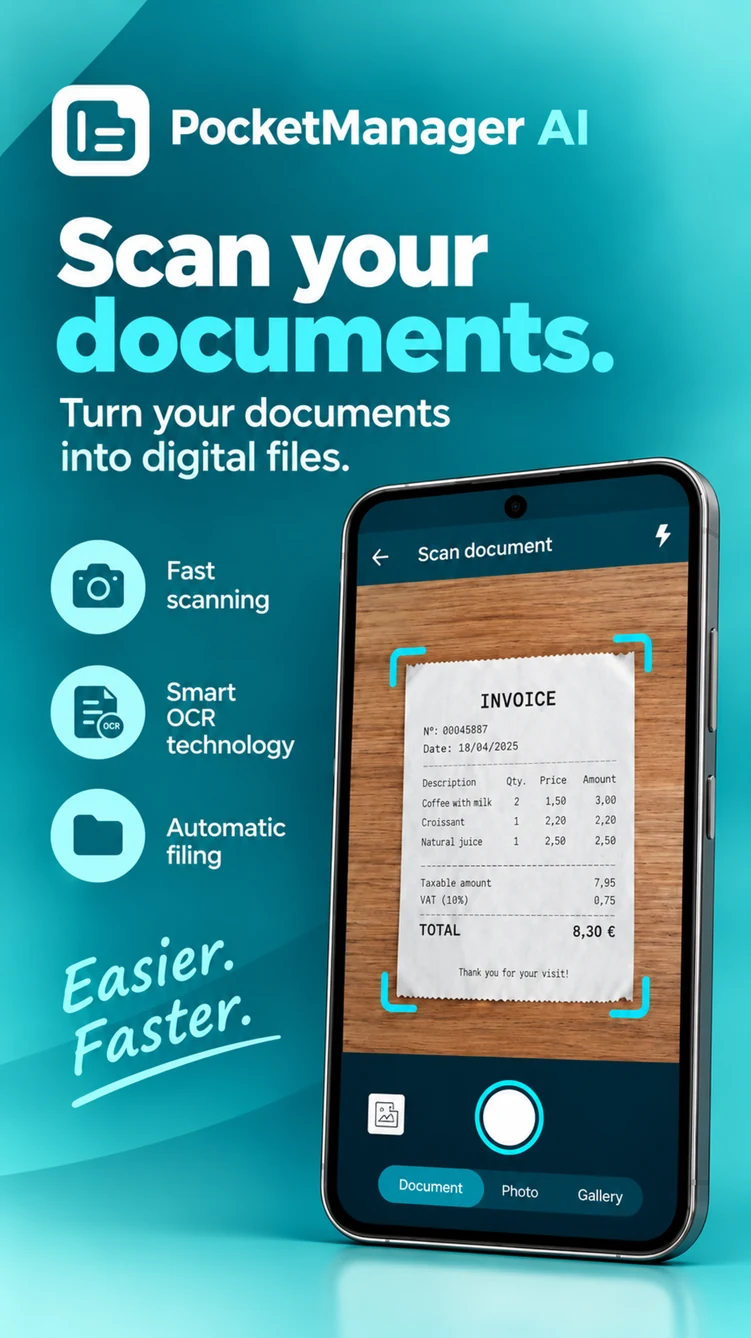
Capture documents and images with the camera. OCR extracts text to make their information easier to find.
 View screenshot
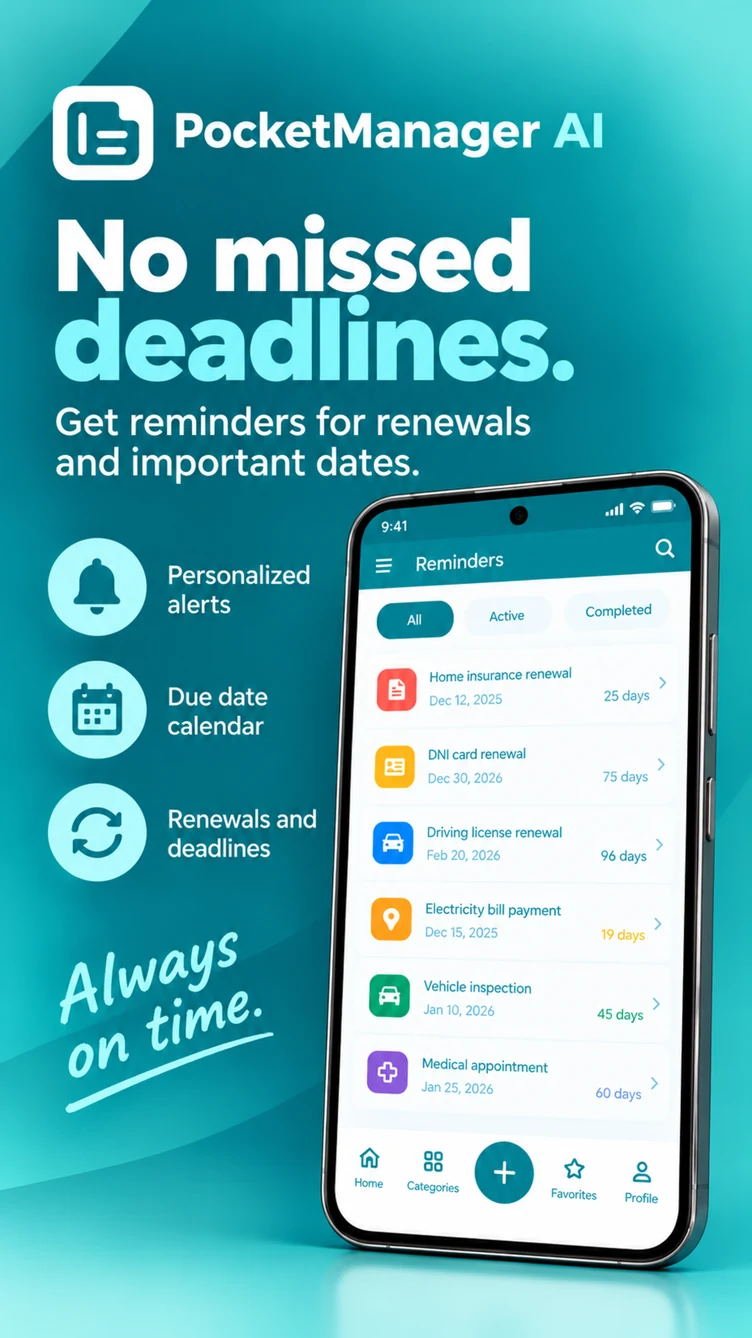
Set reminders for renewals and important dates, and consult them alongside your documents.
Screenshots from the published Google Play listing. Features and AI allowances may depend on your plan and app version.
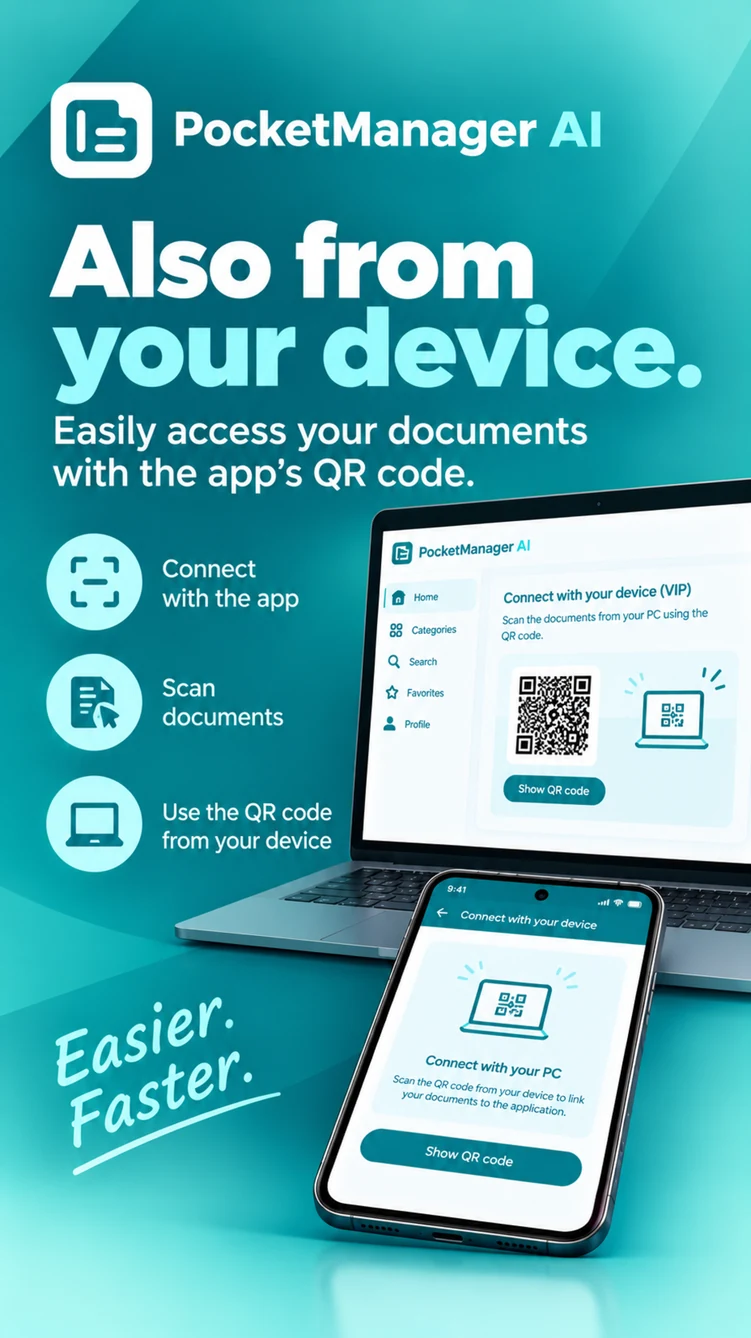
Manage and transfer files between the app and your browser through an encrypted WebRTC connection. Your phone provides the document inventory and controls the session.
The browser connection is an additional tool. The app remains the place where you organize your documents.
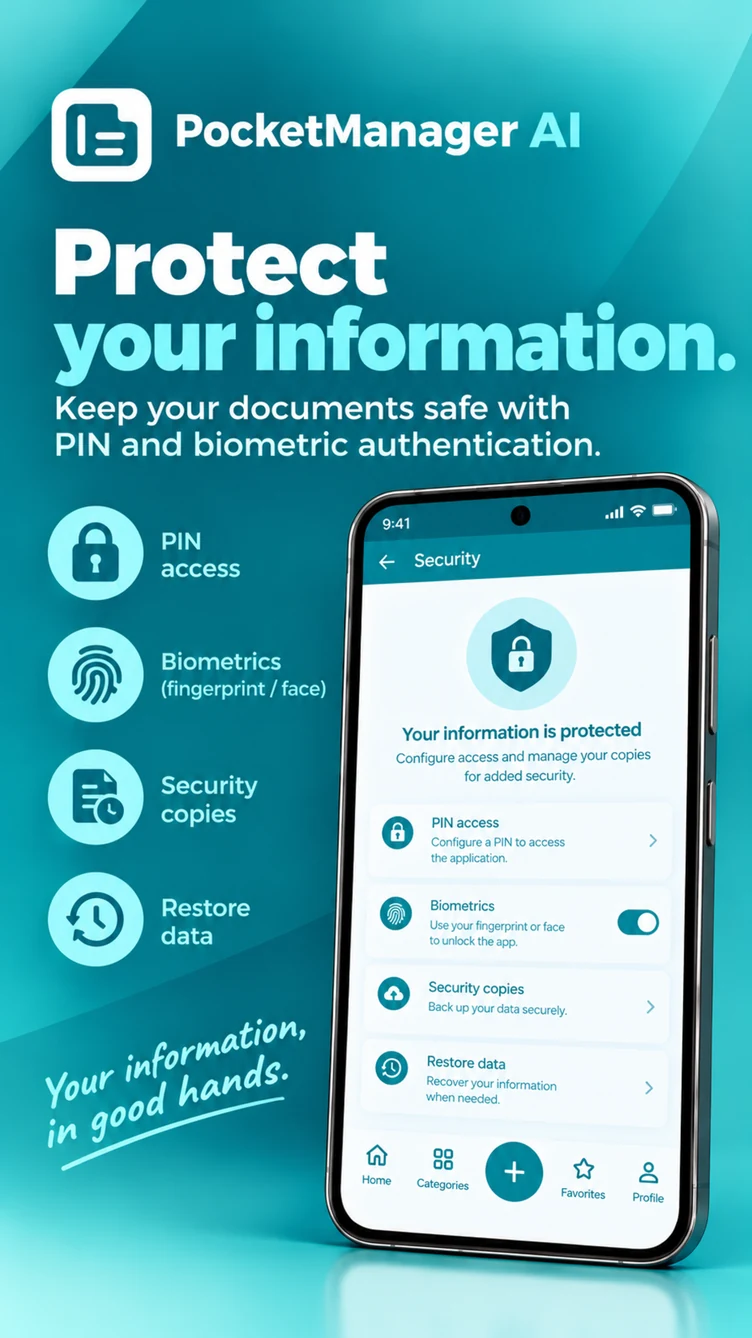
Documents are stored on your device. PIN, biometrics and automatic locking help protect access to the app.
When you use cloud AI, the necessary text or images and your question may be sent for processing. Account and diagnostic services also use external providers.
Create and restore backups. Optional external copies use your own Google Drive or Dropbox account when you enable them.
PocketManager AI is available for Android on Google Play. Check its listing for device compatibility and the current beta version.
Ask for information in the documents you have added, such as an insurance due date or a contract. Answers depend on the available content and selected AI features.
AI features may have plan, quota or credit limits. Check the details shown in the app before using a paid feature.
The connector is an additional way to manage and transfer documents from a computer. You organize your documents in the Android app.
Open Connect devices on your computer, then scan the generated QR code from the app’s browser connection option. Keep the app available during the session.
Documents are stored locally. Optional cloud AI and external backups process or transfer information when you use those features. The privacy policy explains each case.
PocketManager AIStart with the Android app. Come back to the connector whenever you need your computer.